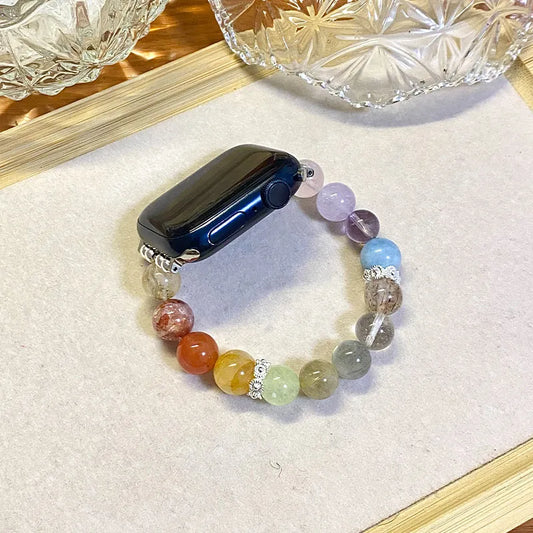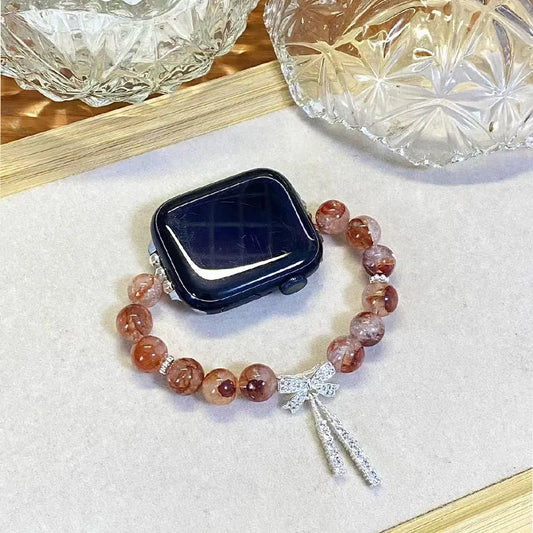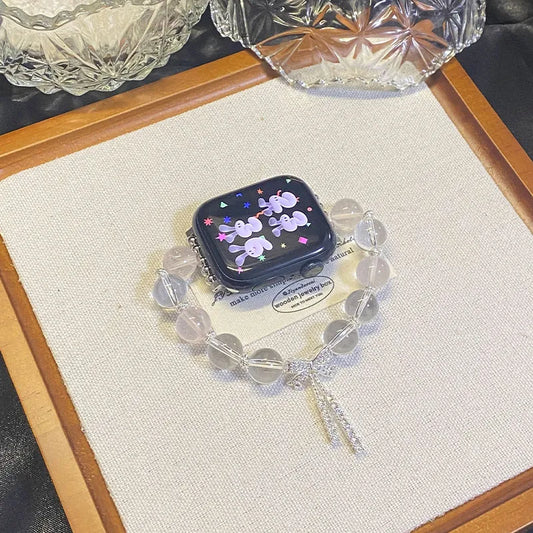
When you first get your Apple Watch band, it's natural to want everything perfect.
However, these bands are designed to accommodate the widest range of wrist sizes, so they often arrive at their longest length. This can leave some users with a band that's not quite as snug or comfortable as they'd like.
An ill-fitting band can be more than just a minor inconvenience; it can affect the overall experience of wearing your watch.

This step-by-step guide is here to help you easily adjust your Apple Watch band to better fit your wrist, providing both comfort and style. Whether your band is too loose or just needs a slight tweak, we'll walk you through the process to ensure your watch fits just right.
1. Gather Your Tools

Before you start adjusting your Apple watch band, make sure you have the following tools handy:
- A band adjustment tool (provided free of charge with your order)
- A clean, soft cloth to work on
- A small container to keep any removed links
2. Prepare Your Workspace
Find a clean, well-lit workspace where you can comfortably handle small parts. Lay out the soft cloth on your work surface to prevent scratching your watch or the band.
3. Remove the Band from Your Apple Watch
To make adjustments easier, it’s best to remove the band from the watch itself:
- Press and hold the band release buttons on the back of the Apple Watch.
- Slide the band out of its slot and set it on your workspace.
4. Locate the Adjustment Points

The Apple Watch band consists of several links, each with a small pin holding it in place. You’ll need to remove or add links to achieve the desired fit. Most Apple Watch bands use a pin-and-link system that requires you to push out pins to remove links.
5. Remove the Necessary Links

- Identify the Link to Remove: Determine how many links you need to remove based on your wrist size. For a more balanced fit, it's best to remove an equal number of links from both sides of the band.
- Use the Band Adjustment Tool: Locate the small hole on the link you want to remove. Insert the provided band adjustment tool into the hole and gently push the pin out from the opposite side. Do not force it — applying too much pressure may damage the band.
- Remove the Link: Once the pin is partially out, use your fingers or a pair of tweezers to fully remove it. Take out the desired number of links and store them in a small container in case you need them later.
- Reassemble the Band: After removing the necessary links, align the remaining sections of the band. Carefully slide the pin back through the holes to reconnect the links. Ensure the pin is fully inserted and sits flush with the surface for a secure fit.
6. Reattach the Band to Your Apple Watch
- Align the Band: Line up the band with the slots on the back of your Apple Watch.
- Slide the Band In: Press the band into the slots until you hear a click, indicating that the band is securely attached.
- Check the Fit: Put the Apple Watch on your wrist to check the fit. If necessary, repeat the adjustment process until the band fits comfortably.
7. Final Adjustments
Once you’ve adjusted the band, wear your Apple Watch for a few hours to ensure it’s comfortable and doesn’t feel too tight or loose. If you need to make further adjustments, simply repeat the process.
Conclusion
Adjusting your Apple Watch band may seem intricate, but with the right tools and a little patience, you can achieve a perfect fit that complements your style and enhances your comfort. Regular adjustments may be necessary as your wrist size changes or if you switch between different watch bands. Enjoy the elegance and durability of your band with the perfect fit!
Feel free to ask if you have any more questions or need further assistance!